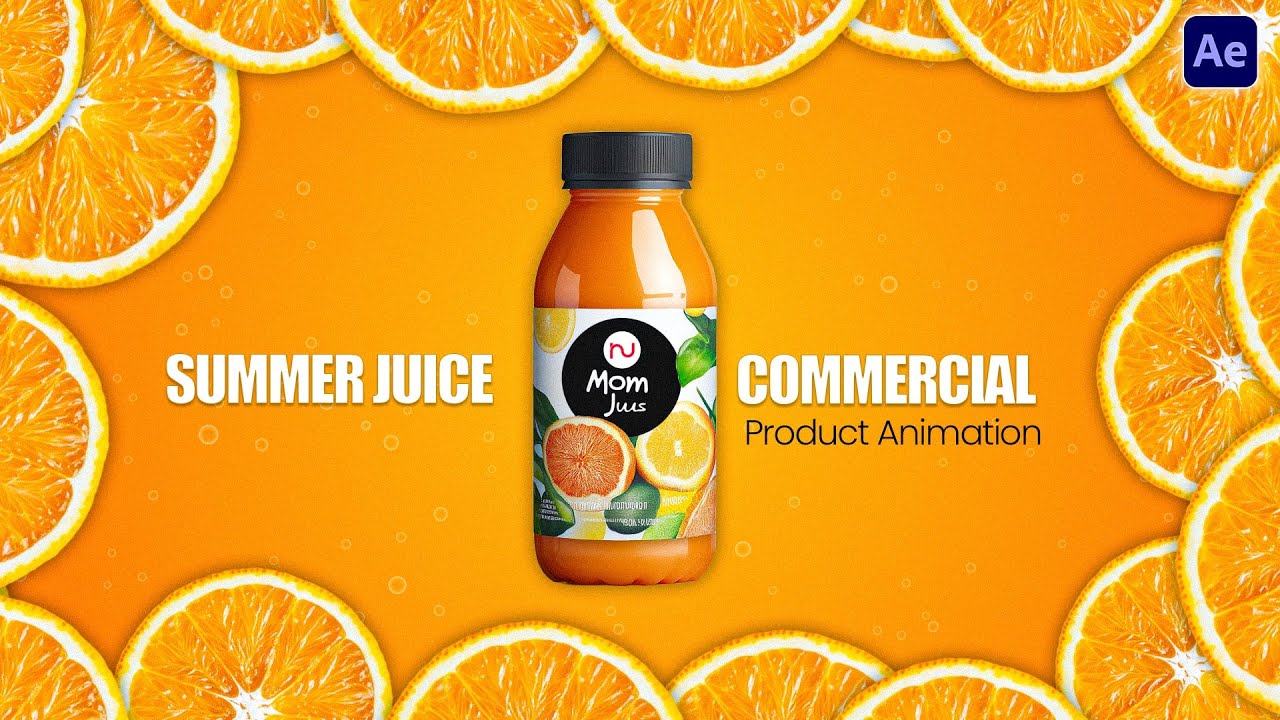
Creating a dynamic, curving text trail behind a moving product usually involves heavy 3D rendering or expensive third-party plugins. In this workflow, we build it entirely natively using After Effects' built-in Echo effect applied to a circular text path.
The Echo Stack
Text on a Circle Path
We draw an Ellipse mask on the text layer and set the path options to "Reverse Path". By applying the Echo effect (Echo Time -0.005, 70 Echoes) and duplicating the layer three times with different Decay values, we generate a thick, multi-colored motion trail.
Polishing
Smooth & Glow
The Echo effect can leave sharp edges. Add an Adjustment Layer with Gaussian Blur (7.4) and Glow (Threshold 76) to melt the echoes into a neon speed trail.
Movement
3D Z-Depth & Nulls
Parent all text layers to a Null Object. Animate the Z-Rotation of the Null (90° to 50°) so the entire trail curves organically behind the product.
Procedural Speed
Hue & Saturation Recoloring
Instead of rebuilding the trail for different products, duplicate the comp and replace the product (Alt+Drag). Shift the Master Hue on the Adjustment Layer to instantly recolor the entire trail.
3 Flavors, 1 System
🍓
The Strawberry Base
The original composition. Built using three shades of pink and purple, establishing the animation timing for the entire commercial.
🥭
The Mango Variant
Duplicated from Strawberry. Master Hue is set to 44°, instantly turning the pink trail into a tropical orange/yellow gradient.
🥑
The Avocado Variant
Master Hue is set to 91°. Instead of rotation, this variant animates the Scale (20% to full size) for an aggressive pop-out finish.
Workflow Philosophy
AI vs Procedural: The Revision Test
Generative AI tools are excellent at creating abstract backgrounds, but they fail the "Client Revision Test". If a client asks to change the motion trail from Pink to Orange, an AI-generated video would need to be completely re-prompted, losing the original animation timing. By building this procedurally in After Effects, changing the entire color scheme takes a single slider adjustment. Control is always more valuable than generation.
Watch the Full Tutorial
See the complete step-by-step Echo effect and Alt-Drag workflow.
Master Motion Design
Join the community for more premium After Effects workflows and full tutorials.
Discussion (0)
Leave a Reply
No comments yet. Be the first to start the discussion!